by WilkinsIT | Feb 10, 2015 | How-To, Microsoft Office Apps
Save the Slides in a Picture Format Once you have created your PowerPoint presentation, you may wish to make picture files of all or certain slides in the presentation. This is easily done when you use the Save As…command. Steps Save the presentation as a...
by WilkinsIT | Nov 6, 2014 | How-To, Social Media
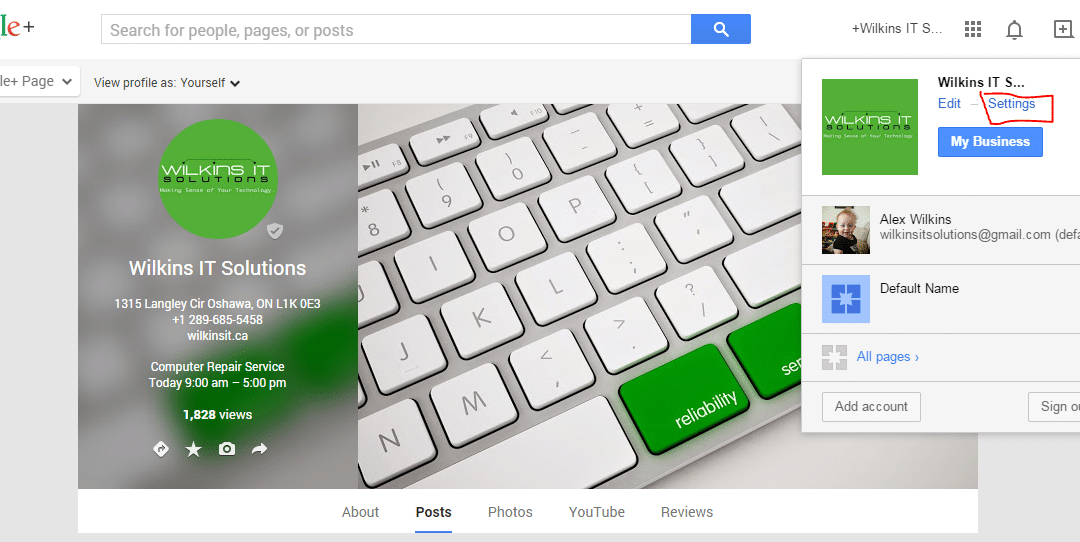
Adding someone as a Google Plus admin is easy and can be done in only a few steps. We will cover how to do this on a Google+ Page which is for the most part, where it is only done. Step 1: Once inside Google Plus if you are not at your Google Plus business page, go...
by WilkinsIT | Oct 10, 2014 | How-To, PC
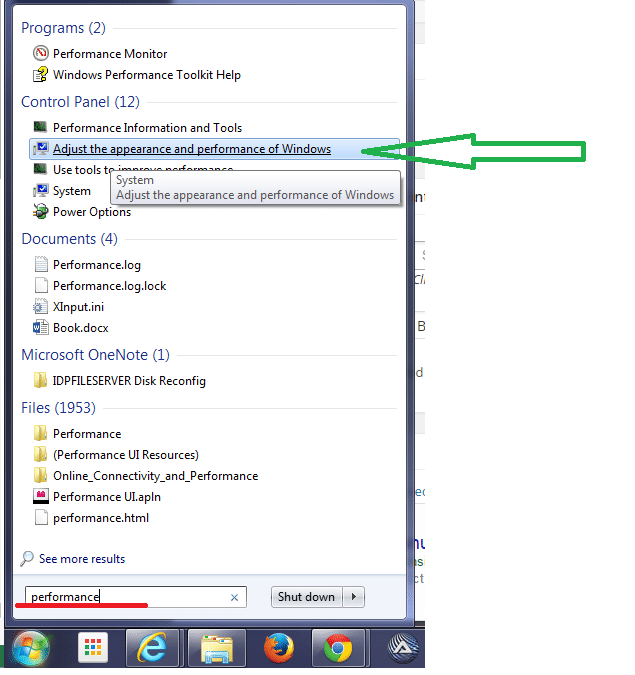
Ever have your menu clicked item from your right click menu (called the context menu) stay on your screen after you select it? Is it still there right now and getting in the way of reading this? You’re not alone! It is a performance bug with the Desktop Window...

by WilkinsIT | Nov 1, 2013 | Email, How-To, Wilkins IT Services
Setting up your Wilkins IT email on your devices Below are some general how-to steps on setting up your email on your device. Specific setup instructions with your own domain name etc should have been emailed to you when you created an account. If you’re not... by WilkinsIT | Aug 7, 2013 | How-To, Web
WordPress does a decent job at serving your images to your web visitors in a speedy manner. It achieves this by using its media library where it will take your uploaded image and create several re-sized versions of your images depending on how big the original size of... by WilkinsIT | Jun 13, 2013 | How-To, PC, Web
Refreshing your cache / clearing your internet history Sometimes when web servers switch addresses or change the way traffic is routed it can sometimes cause disruptions for some people trying to access that account. Sometimes you may need to refresh the cache in your...